Slate Editor.
A fast, tabbed editor powered by Monaco.
A lightweight desktop code and text editor built on the Monaco Editor that powers VS Code. Open many files in tabs, pick from 18 themes and edit entirely offline.
Version 1.0.0 · Windows · Portable version available
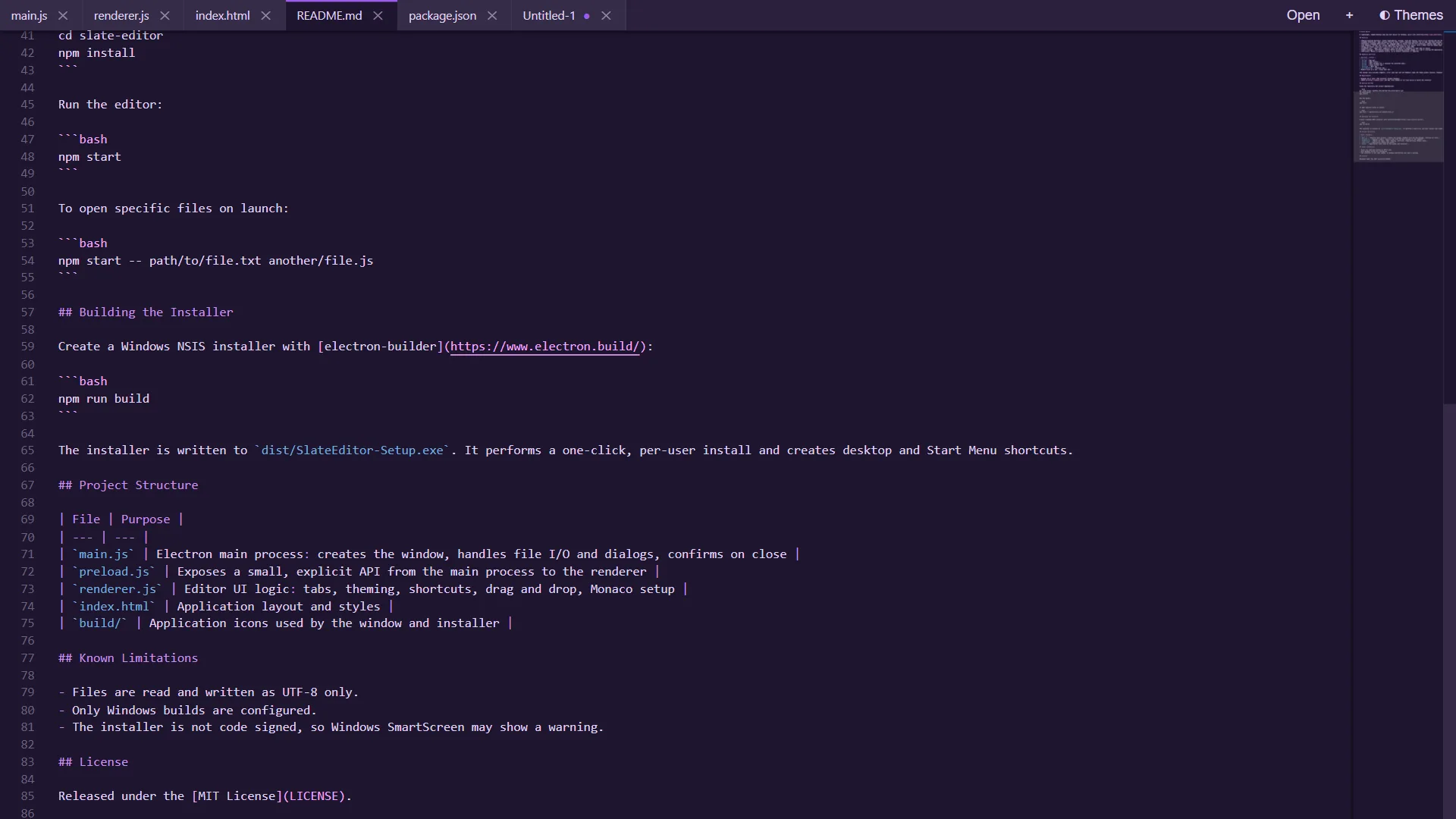
A LIGHTWEIGHT EDITOR FOR EVERYDAY CODE AND TEXT
Everything you need to edit code and text
A focused editor with the engine behind VS Code, in a small desktop app.
Monaco-powered editing
Syntax highlighting, minimap, find and replace, multi-cursor editing and the other core Monaco editing features.
Tabbed interface
Open multiple files at once. A dot marks tabs with unsaved changes, and a middle-click closes a tab.
Automatic language detection
The language mode is chosen from the file extension. Unknown file types open as plain text.
18 themes
Follows your system light or dark preference on first launch. Pick a theme from the menu and Slate remembers it.
Drag, drop and Open with
Drop one or more files onto the window, or pass file paths on the command line to open them on launch.
Safe and offline
Confirmation prompts before discarding unsaved changes. Monaco is bundled locally, so no internet connection is needed.
Watch Slate Editor in under 3 minutes
A quick look at opening files, working with tabs, switching themes and using keyboard shortcuts.
YouTube Video
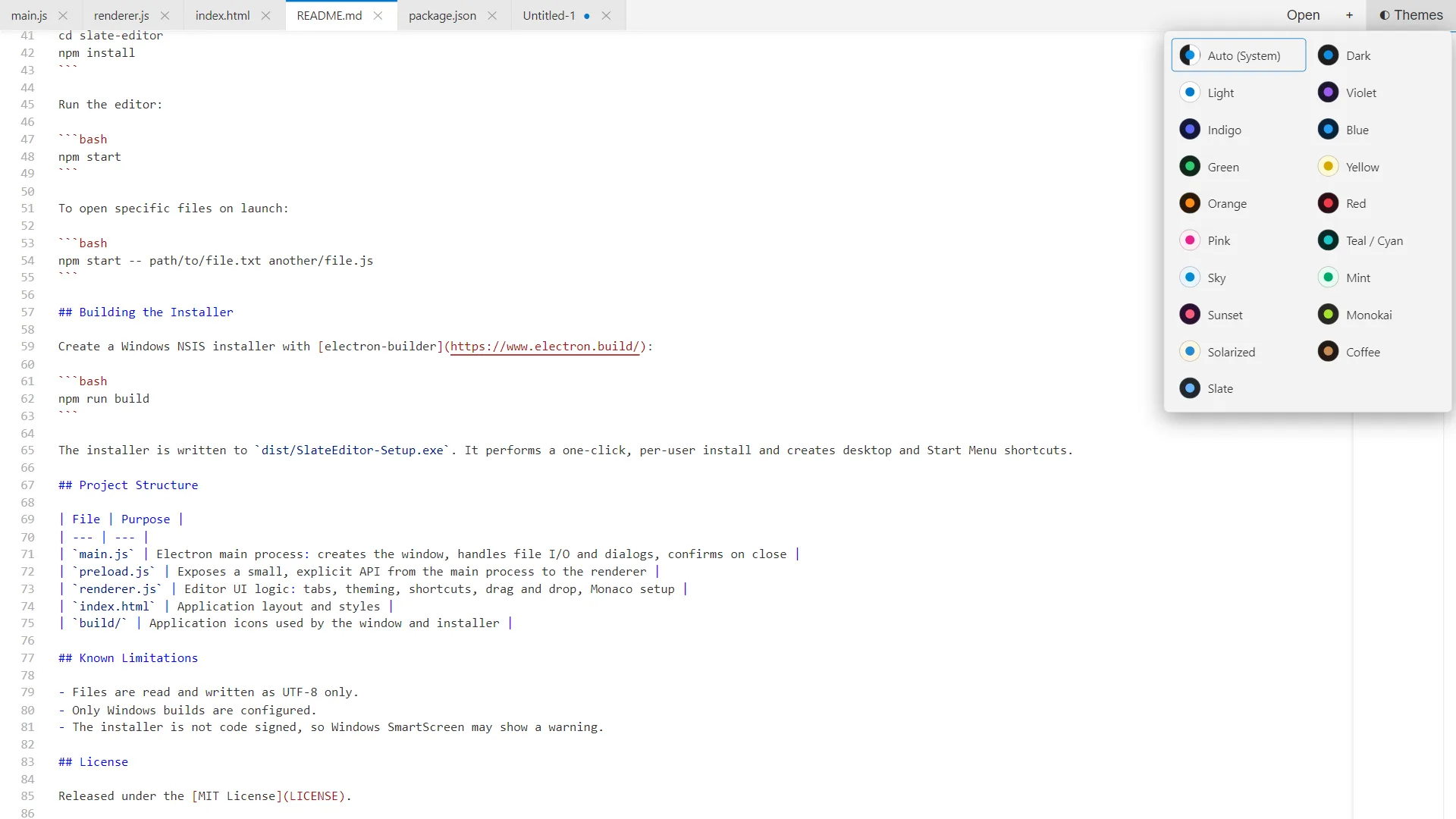
18 themes, one click away
Slate follows your system light or dark preference the first time it launches. Choose another look from the Themes menu and it is remembered.
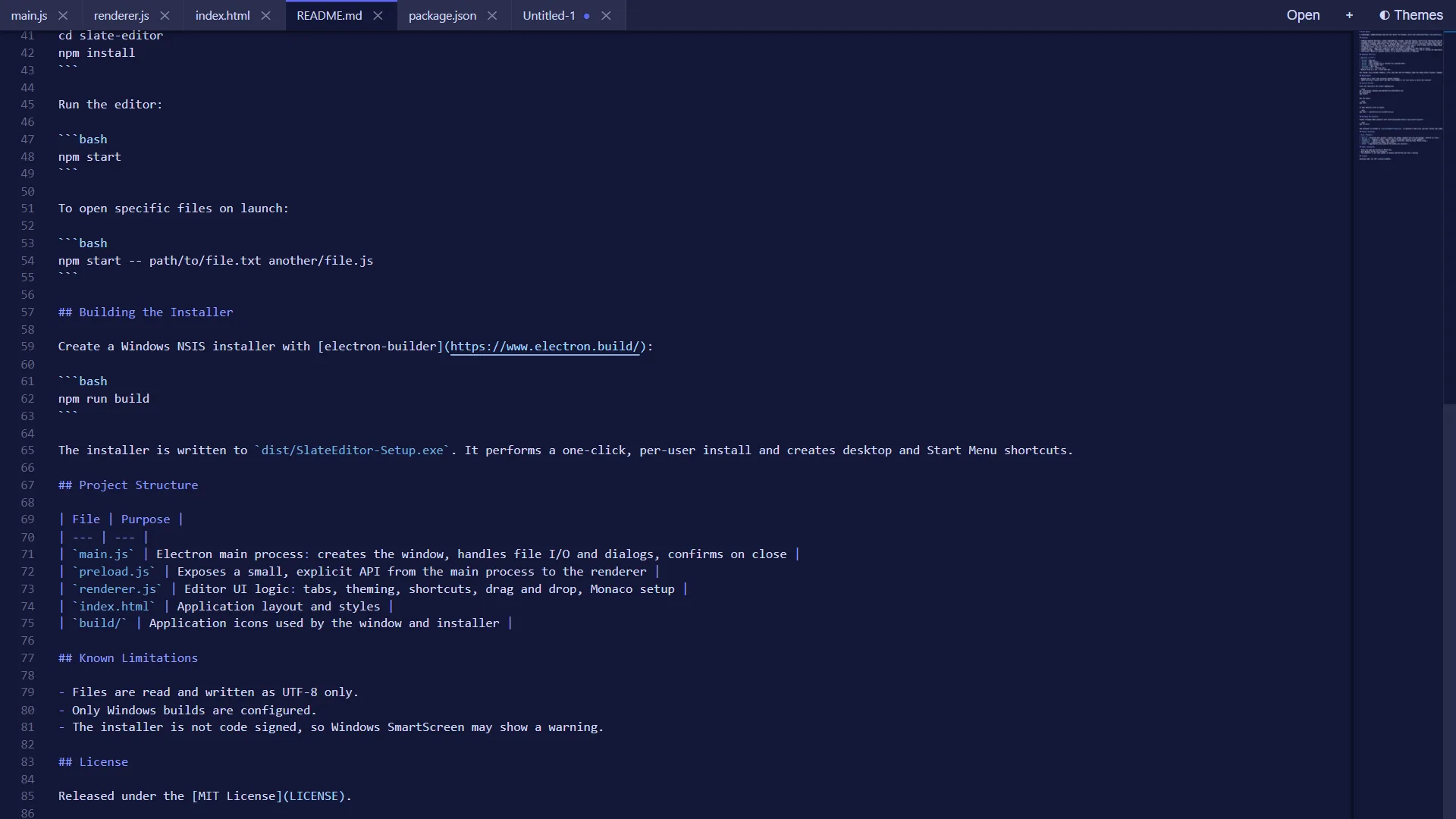
Keep every file open and never lose a change
Work on many files in tabs. A dot marks unsaved changes, and Slate asks before discarding anything or closing the app.
The power of Monaco
The same editor engine that powers VS Code, in a small desktop app.
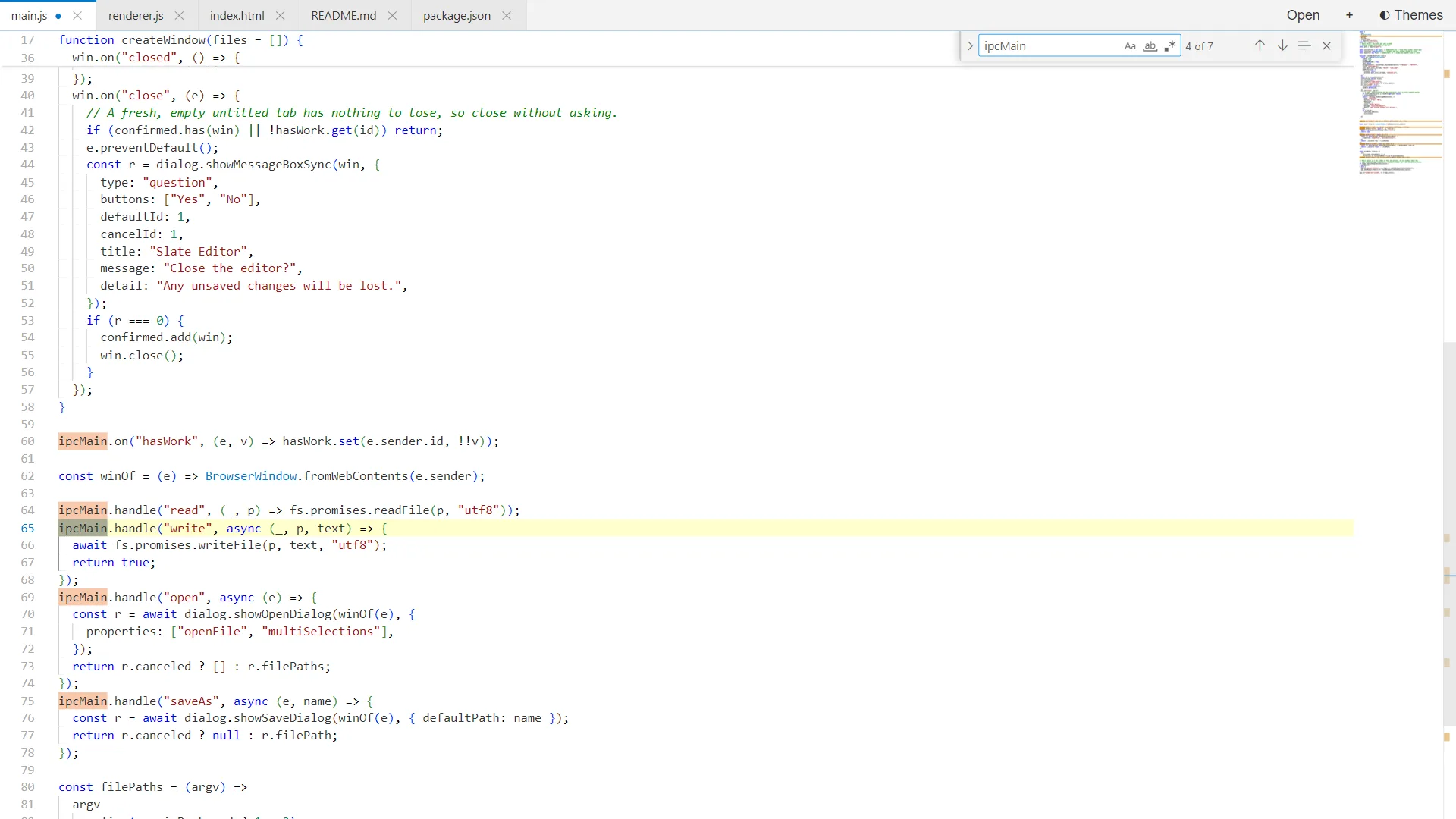
Find with every match highlighted
Press Ctrl+F to search, with match case, whole word and regular expression options.
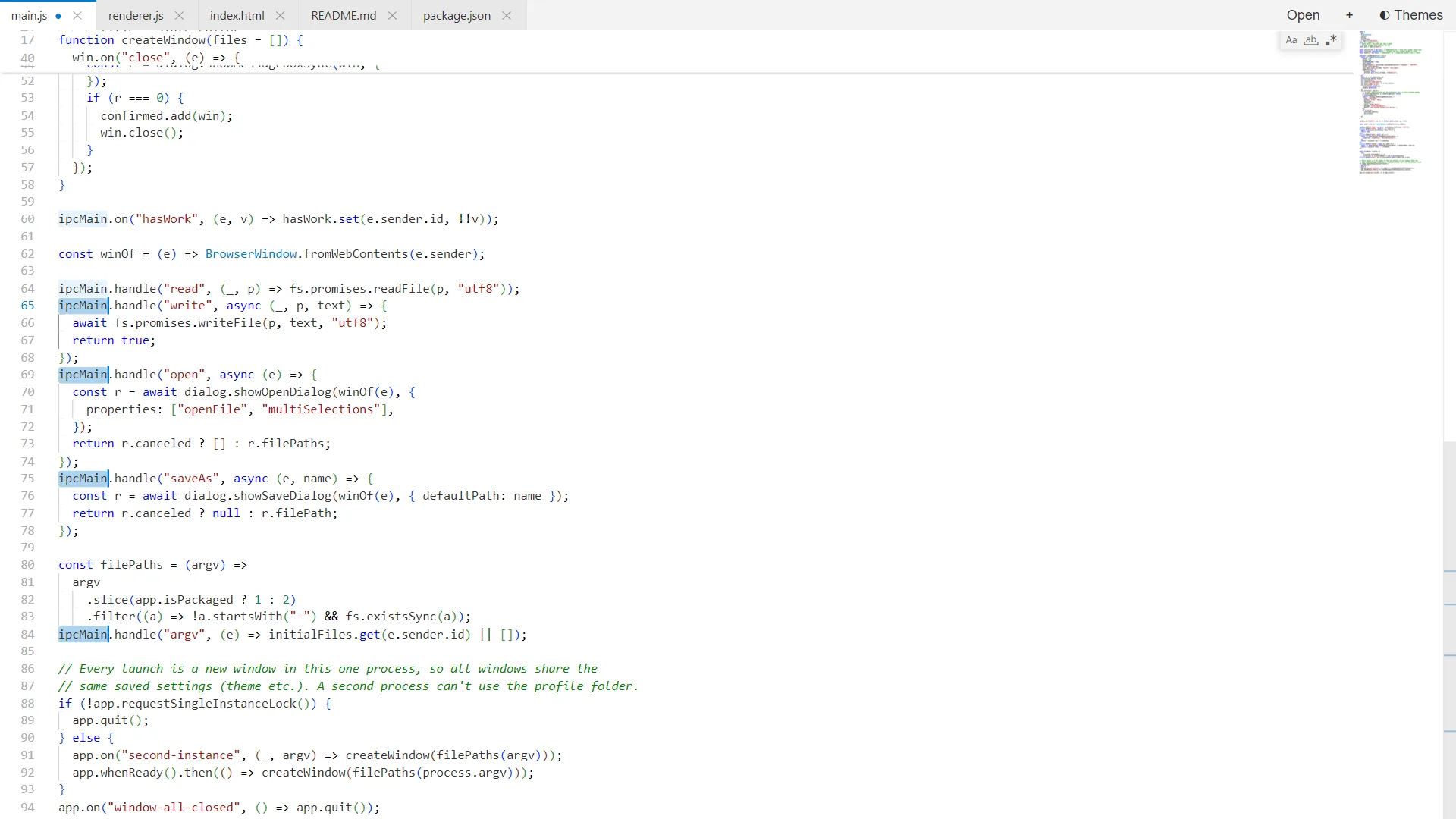
Multi-cursor editing
Press Ctrl+D to select the next match and edit them all at once.
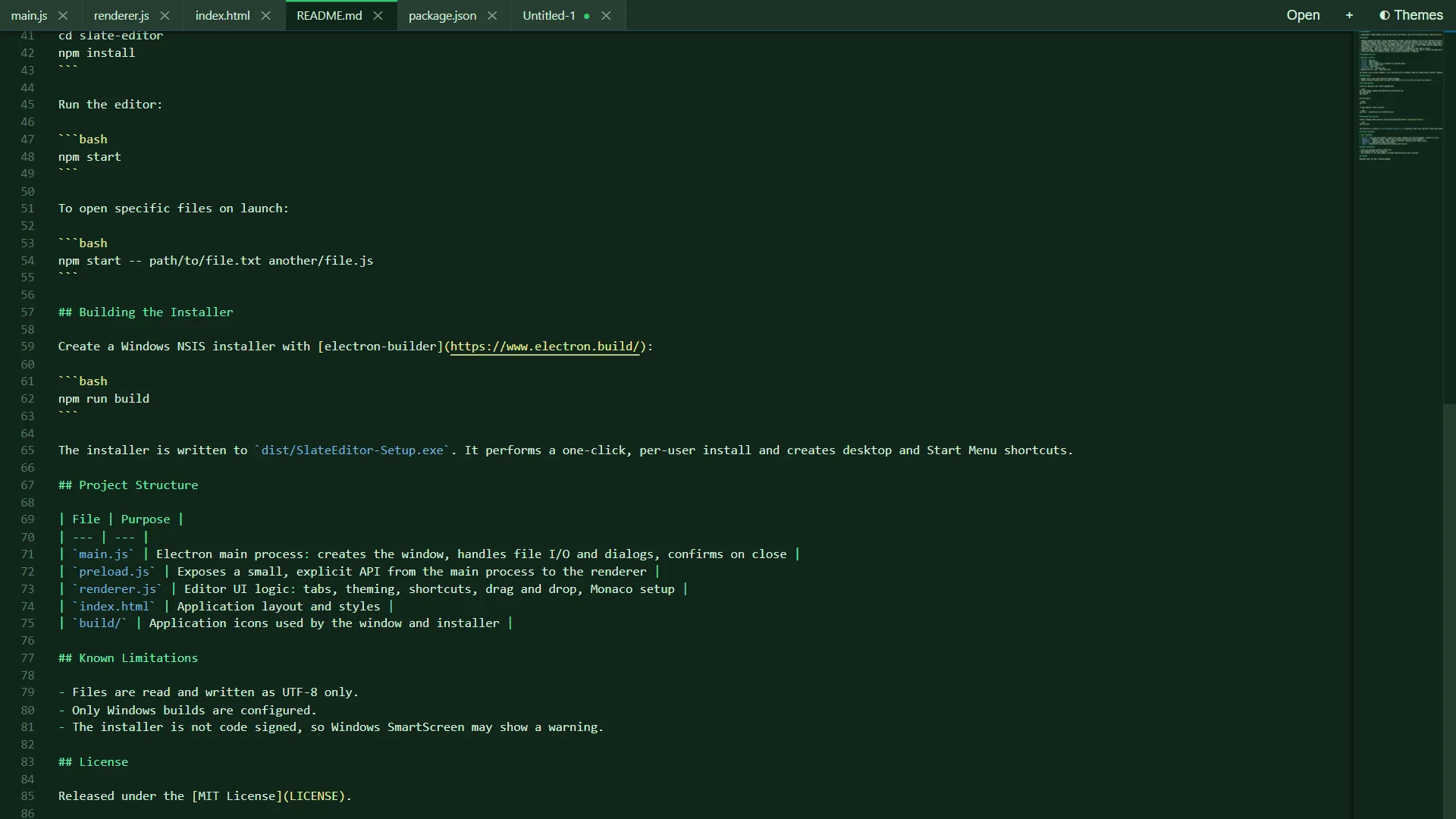
Minimap navigation
Jump around long files with the minimap along the right edge.
Get Slate Editor for your system
Version 1.0.0. Use the installer, or the portable build to run without installing anything.
Windows
Windows 10 or later
Linux
Ubuntu 20.04+, Fedora, Debian · 64-bit
Coming soon
macOS
macOS 11 or later · Apple Silicon & Intel
Coming soon
Looking for older versions or checksums? See all releases on GitHub
Built in the open.
The complete source code is on GitHub. Read it, build it, report bugs or send a pull request.
Common questions
Yes. It is free and open source under the MIT licence, with no ads, no accounts and no paid tier.
The installer does a one-click, per-user install and creates desktop and Start Menu shortcuts. The portable build needs no installation. Both have the same features.
The installer is not code signed yet, so Windows SmartScreen may show a warning. You can inspect the source and build it yourself from GitHub.
Yes. Monaco is bundled locally, so Slate Editor needs no network connection.
Ctrl+N opens a new tab, Ctrl+O opens files, Ctrl+S saves, Ctrl+W closes the current tab, and Ctrl+Tab and Ctrl+Shift+Tab switch tabs. Standard Monaco shortcuts such as Ctrl+F to find and Ctrl+H to replace also work.
Yes. Pass one or more file paths as arguments and they open on launch. You can also drag and drop files onto the window.
Files are read and written as UTF-8 only.
Absolutely. The full source is on GitHub. Issues, feature requests and pull requests are welcome.